01
Check the conditions
Review marine conditions and fishing forecasts before deciding how you want to spend the day.
Forecast SeaWise
Sign in
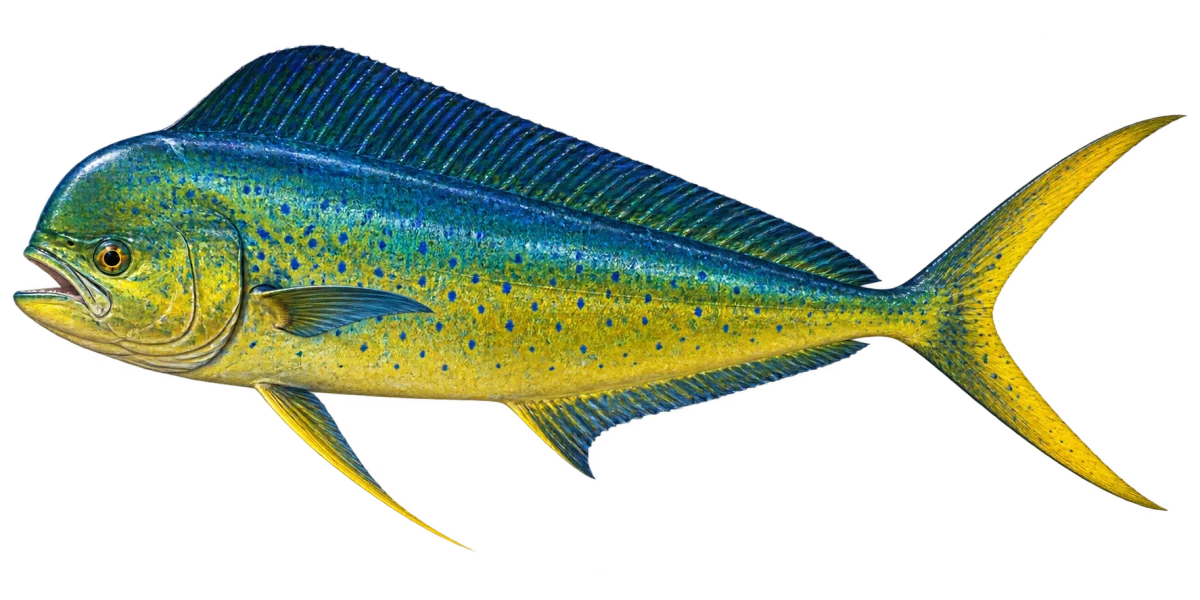
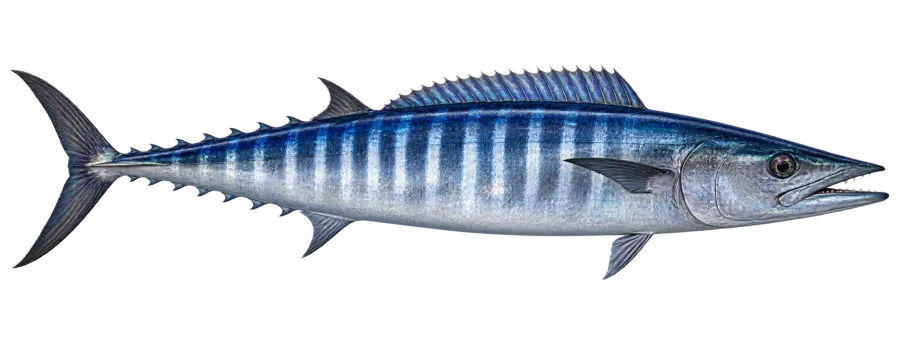
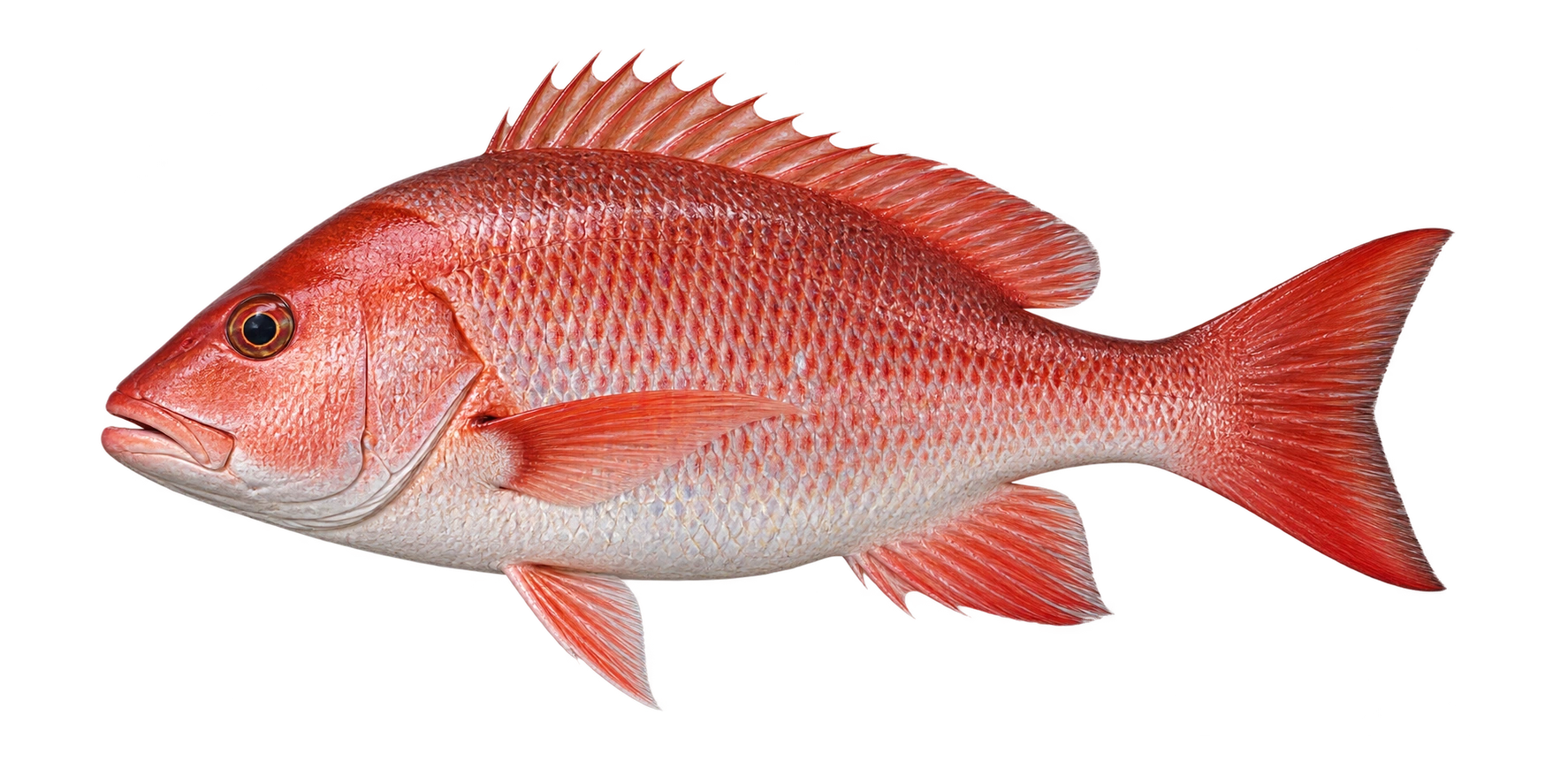
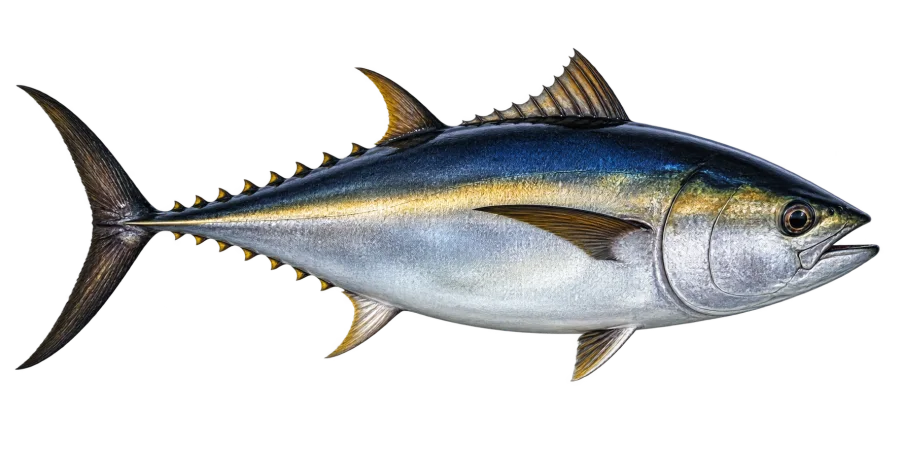
Mahi-mahi artwork
For anglers planning a trip
SeaWise brings fishing forecasts, marine conditions, trip planning, catch logging, and community exploration into one considered place.
Trips and catches are private by default.
Plan each fishing trip with the context you want in one place.
One connected flow
01
Review marine conditions and fishing forecasts before deciding how you want to spend the day.
Forecast02
Keep the places and details you are considering together while you plan.
Plan03
Save a catch and its photo; use photo identification when it is useful.
LogA SeaWise toolkit
Use the SeaWise areas that fit the trip you are planning. Forecast details and account information appear only after you sign in.
Review forecast and condition views as you decide where to look next.
Explore forecasts →
Shape a route and review trip context before you head out.
Open trip planning →Explore only the catches and stories people choose to share after you sign in.
Sign in to explore →
A guided sample
This interactive preview illustrates existing SeaWise areas. It is not live forecast, account, catch, or community data.
SeaWise groups forecast and condition views so you can decide what to inspect next after signing in.
Sign in to view forecasts →Use the real planner to bring destinations, boat details, and preparation context together.
Sign in to plan a trip →Pan, zoom, select a sample marker, or reset this illustration. It has no live tiles, location, route, or forecast data.
Sign in to open SeaWise maps →Choose an illustrative marker to see a sample detail.
Shared-story examples
These are SeaWise editorial sample cards, not newly posted catches or live community records.
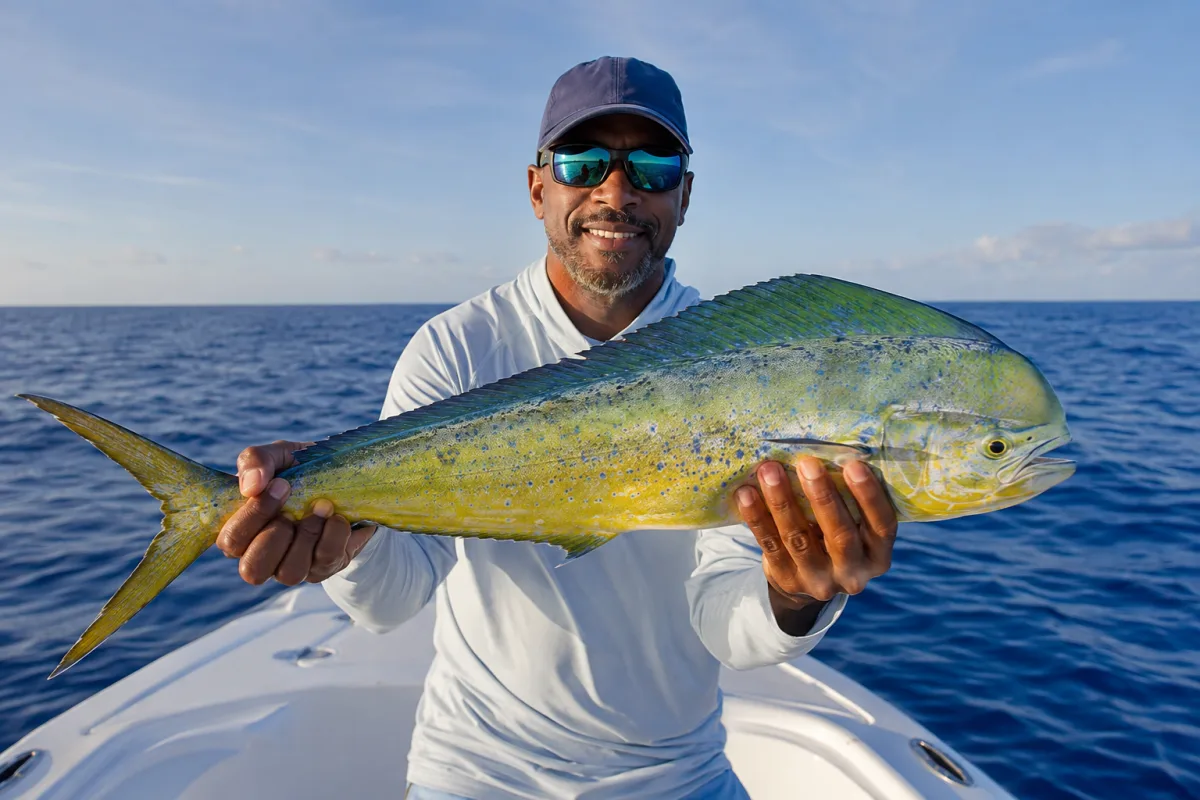
Shared-catch examples appear in Explore only when people choose to make them public.
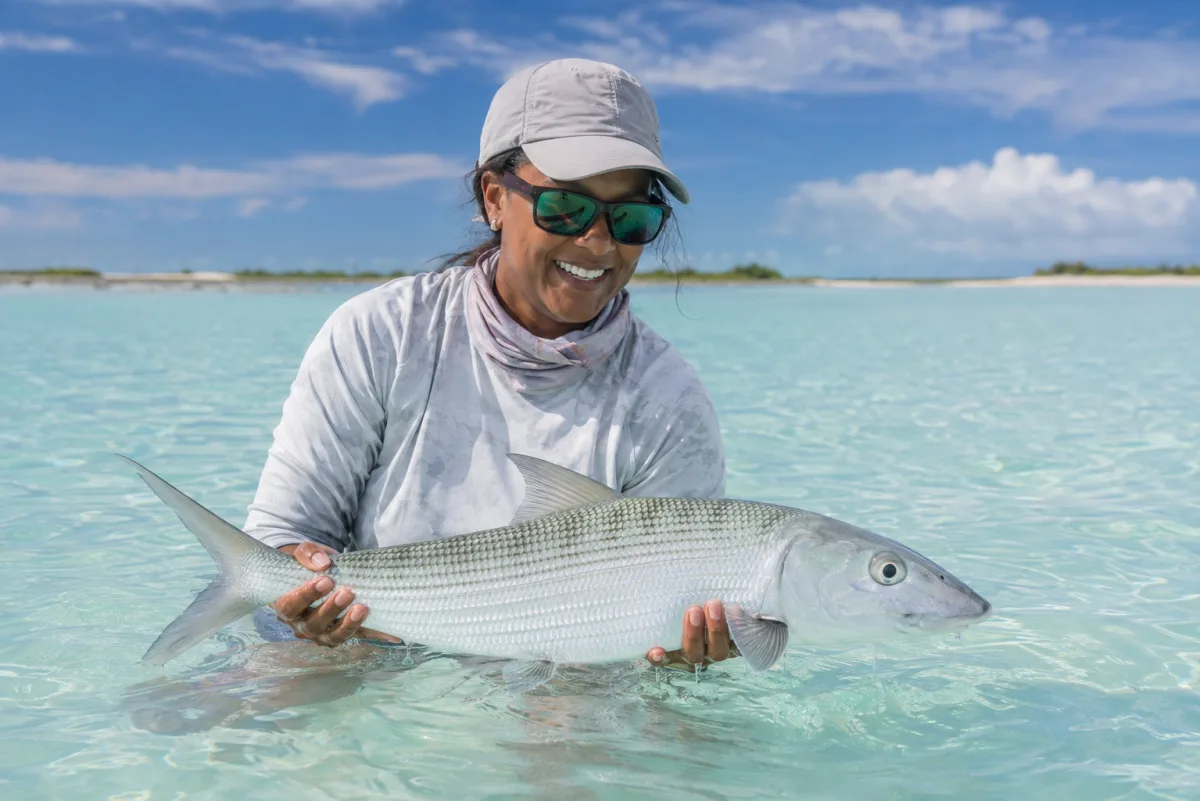
SeaWise keeps private records separate from anything someone elects to share.
Ask the Captain
Ask the Captain is available in SeaWise when you want help understanding the app’s forecast and planning context.
Ready when you are
Sign in to check the water, plan the trip, and keep the record in one place.
Sign in to SeaWise